What is parking mode on dash cam: Easy Guide
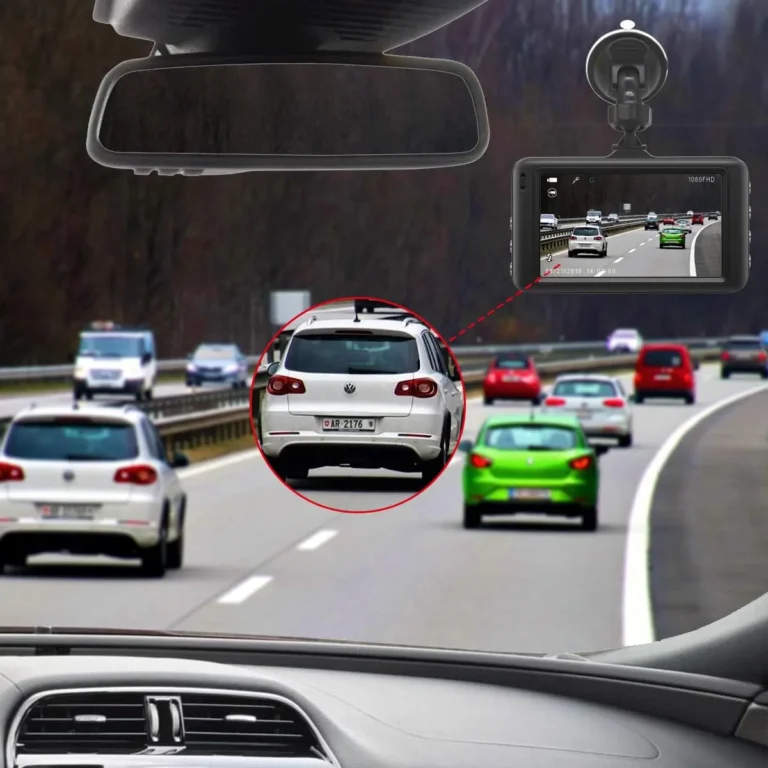
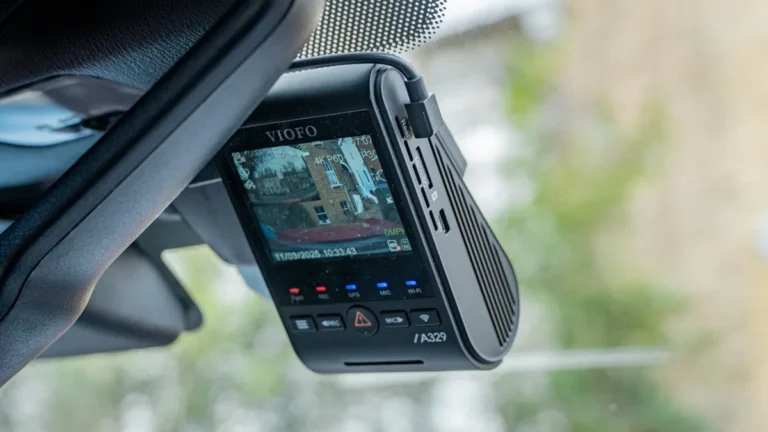
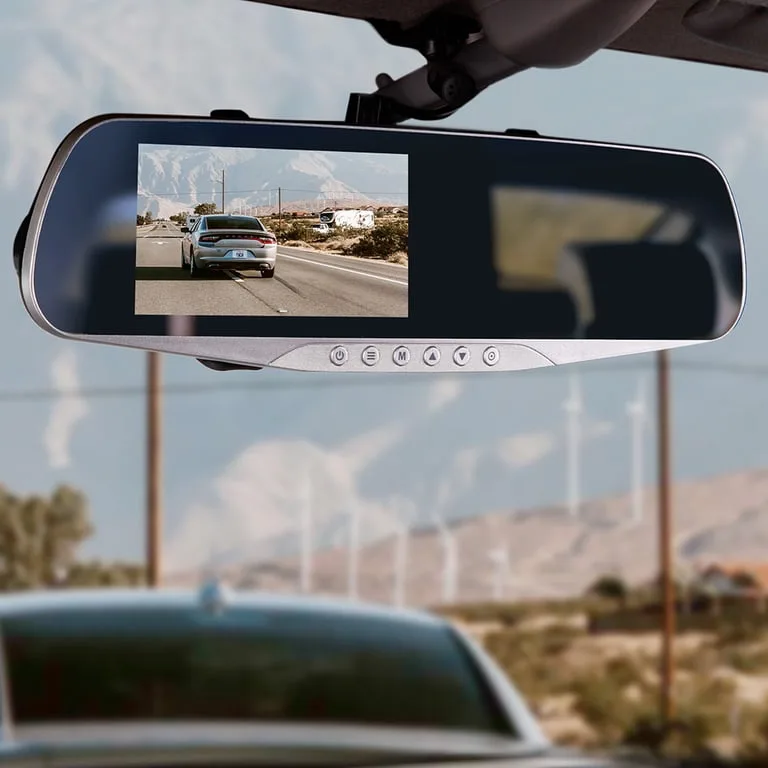
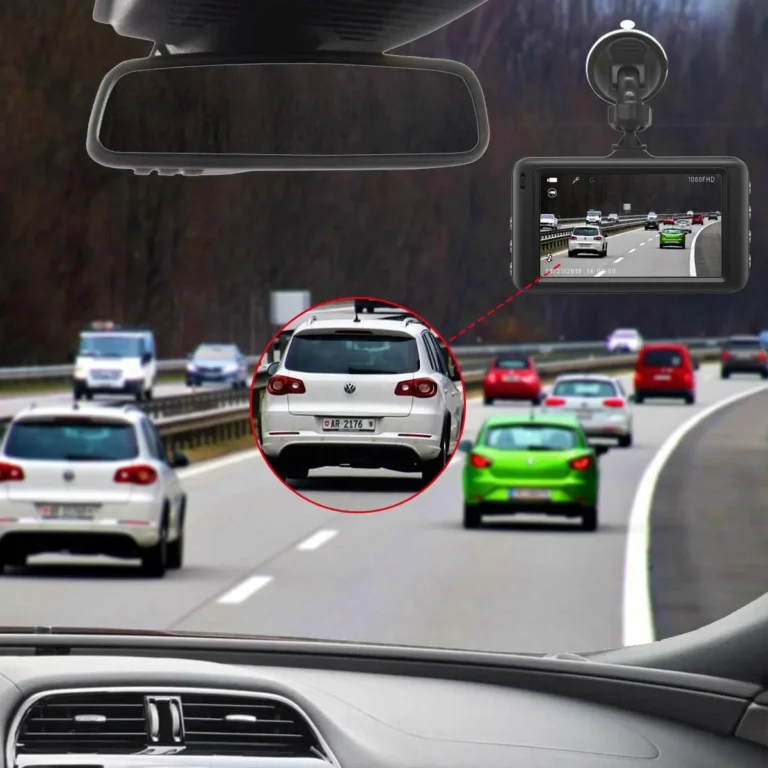
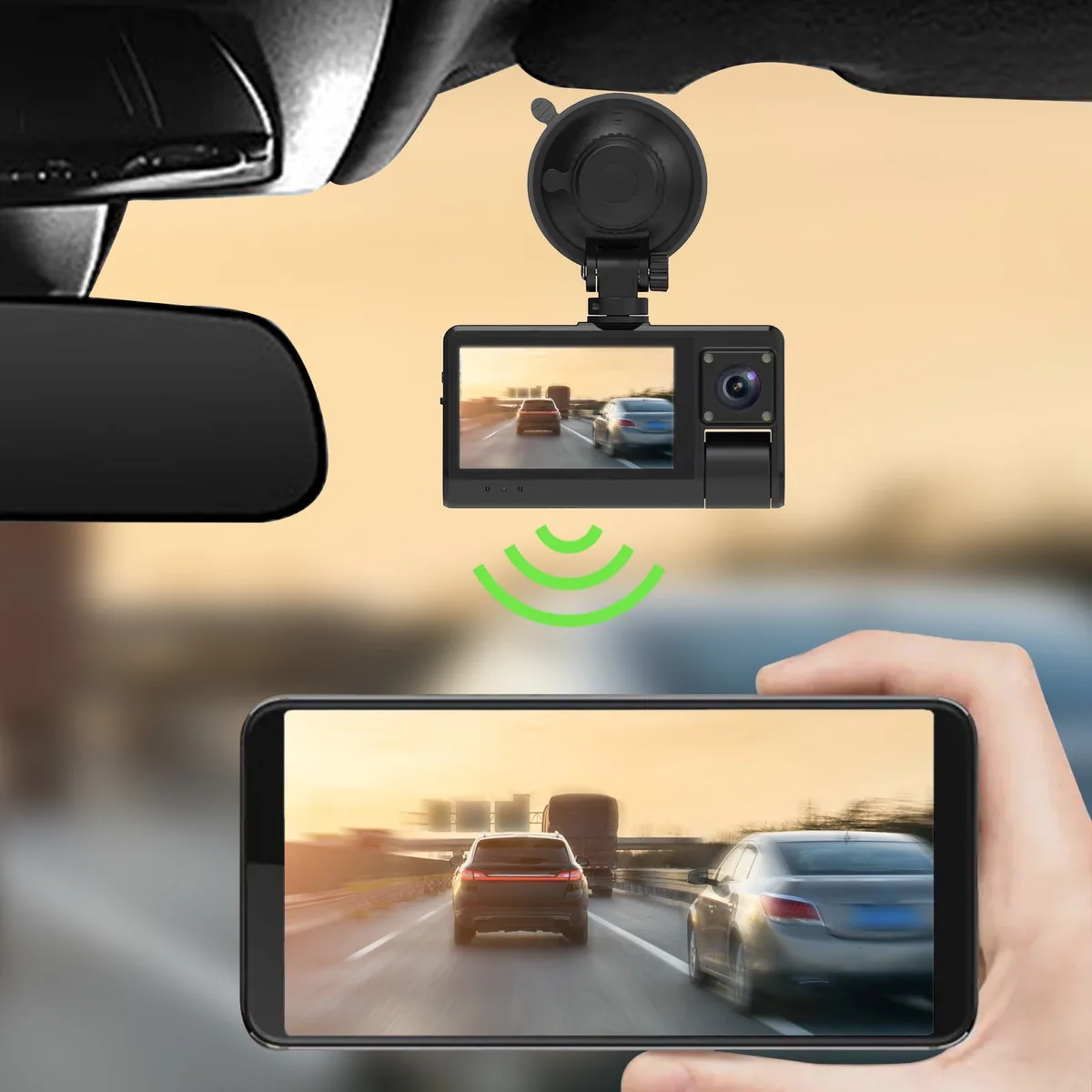
If you've ever parked on a busy street or in a crowded lot and come back to a fresh dent with no witnesses, you've probably wondered what is parking mode on dash cam setups and whether it would have actually caught the hit. Parking mode is a built-in dash cam feature that keeps recording while your car is turned off, so the camera can capture break-ins, hit-and-runs, and door dings that happen when you're not around.
Parking mode works by drawing low, sustained power from the car (or an internal battery), then waking the camera only when it senses motion or an impact. In our research, most parking-mode dash cams draw roughly 0.25 to 0.5 amps at idle, which is why voltage cutoff settings matter more than people think. As of 2026, parking mode is now standard on most mid-range and premium dash cams, though the feature set varies a lot between brands.
Let's break down what parking mode really does, how the different modes compare, and how to set it up so it works when you actually need it.
Quick Answer
Parking mode is a dash cam feature that records while your car is parked and turned off. It uses a G-sensor (impact detector) and motion detection to trigger recording. Most parking-mode dash cams need to be hardwired to the car battery with a low-voltage cutoff to avoid draining it.
How Parking Mode Works (The Short, Real Version)
Parking mode runs on a simple loop: the dash cam stays in a low-power standby, watches for movement or vibration, and starts recording only when something happens. When the event ends, the camera either goes back to standby or keeps recording for a set time before shutting off.
Here's what happens step by step:
- The ignition turns off, and the dash cam switches into parking mode.
- The camera drops to a low-power state, typically using 0.25 to 0.5 amps.
- The motion sensor and G-sensor (accelerometer) stay active in the background.
- If movement or an impact crosses a set threshold, the camera wakes up and starts recording.
- Footage is saved, often locked, and the camera returns to standby.
The important detail most people miss: parking mode isn't always "on." Many budget dash cams claim parking mode but only support it when the camera is hardwired or plugged into an external battery pack. If your cam runs off its own small internal battery, parking mode might only last 20 to 30 minutes before the cam dies.
The 3 Main Parking Mode Types: Motion Detection, Time-Lapse, and Buffered Recording
Not all parking modes behave the same. The three types you'll see in menus and spec sheets each trade off storage space, power use, and what they actually capture. Picking the right one depends on where you park and how paranoid you want to be.
| Mode | What It Records | Best For | Trade-Off |
|---|---|---|---|
| Motion Detection | Clips only when something moves in the frame | Busy lots, driveways, low traffic | Can miss fast hits before motion triggers |
| Time-Lapse | Continuous low-frame-rate video (1 to 10 fps) | Long-term parking, full coverage | Uses more storage, less detail per second |
| Buffered | Pre-roll plus post-roll around motion or impact events | Catching the lead-up to a hit | Needs more processing power and storage |
Motion Detection Mode
Motion detection watches the image frame for pixel changes. If something enters the camera's field of view and crosses a set threshold, recording kicks in.
- Works best when the car is in a stable, well-lit spot.
- Struggles in heavy rain, snow, or windy nights where tree shadows move.
- False triggers from headlights passing can fill the SD card fast.
Time-Lapse Parking Mode
Time-lapse records a frame every second or few seconds, then stitches it into a continuous video. You get full coverage of the entire parked window without gaps.
- Uses more storage than motion-only mode.
- Much easier to find the exact moment something happened.
- Doesn't catch license plates on fast-moving objects as cleanly as full 30 fps.
Buffered vs. Unbuffered Recording
This is where most parking modes quietly differ.
- Buffered: captures the few seconds before and after the event, so you don't miss the lead-up.
- Unbuffered: starts recording the moment the trigger fires, missing the run-up.
If you care about hit-and-run evidence, buffered matters. Manufacturer specs from BlackVue, Thinkware, and VIOFO confirm that buffered parking mode needs slightly more power because the camera is always buffering a short loop in memory.
Motion Detection Mode: When the Camera Only Records When Something Moves
Motion detection is the most power-efficient parking mode, but it's also the easiest to get wrong. The camera isn't "watching" the way you might think. It's running a low-power analysis on the image, looking for pixels that change beyond a set sensitivity threshold.
When you set it up, here's what actually controls whether it triggers:
- Motion sensitivity level (low, medium, high).
- Detection zones (full frame or a specific area, on higher-end models).
- Frame rate at which motion analysis runs.
If you park under a tree or near a busy sidewalk, a high motion sensitivity will fill your SD card with clips of branches blowing and people walking past. A lower sensitivity will miss a fast-moving car that bumps you and drives off. In our research, most aggregate reviews suggest starting at medium sensitivity and adjusting after a day or two of real-world parking.
One thing users regularly miss: motion detection runs on the camera's image sensor, not on radar or ultrasound. At night, with low ambient light, motion detection gets less reliable. Dash cams with good night vision (Sony STARVIS sensors, for example) handle this much better than budget cameras.
Time-Lapse Parking Mode: A Simple, Always-Recording Option
Time-lapse parking mode is the "set it and forget it" option. The camera records one frame every 1, 2, 5, or 10 seconds, depending on the model. The result is a continuous video of your entire parked period.
Why people pick time-lapse:
- No missed events. If something happened, it's on the card.
- Easier to scrub through and find a specific moment.
- Predictable storage use. You can calculate exactly how much footage a 128GB card will hold.
The downside is storage and detail. A 10 fps time-lapse will burn through storage faster than motion-only mode, and you won't get clean frames of fast-moving license plates. Most manufacturers recommend time-lapse for long-term parking like airport or street parking, and motion detection for driveways or short stops.
A quick way to estimate storage: a 1080p dash cam at 1 fps time-lapse uses roughly 1 to 2 GB per hour, depending on compression. That means a 256GB high-endurance card can cover about 5 to 7 days of continuous parked time before looping.
Buffered vs. Unbuffered: Why the Difference Matters After a Hit
Buffered recording is the difference between "something happened" and "I can prove what happened." Without buffering, the camera only catches the impact itself. With buffering, the camera also captures the few seconds leading up to it.
This matters more than people realize in parking incidents. The impact is rarely the whole story. There's usually a car that slowed down, paused, and then bumped.
Or someone who pulled a door handle first before walking away. Buffered mode keeps that lead-up footage and locks it together with the impact clip.
Most premium dash cams default to buffered in parking mode. Budget cameras often skip it because it requires more memory and processing. If hit-and-run evidence matters to you, check the spec sheet for "pre-event recording" or "buffered parking mode" before buying.
The G-Sensor (Impact Detection): How Your Dash Cam Knows Something Hit Your Car
The G-sensor is the small accelerometer inside your dash cam that detects sudden movement or vibration. When you park and walk away, it stays active, watching for the kind of jolt that comes from a door swing, a side-swipe, or a shopping cart rolling into your bumper.
The sensor works in g-force, and most dash cams let you tune sensitivity from low to high. Low sensitivity ignores bumps from footsteps or wind. High sensitivity picks up door slams on adjacent cars but also triggers from heavy trucks passing on the road.
A common pattern in user feedback is starting too sensitive. The camera ends up "locked" dozens of events a day, eating through storage with files it never needed to save. Manufacturer specs from Thinkware and VIOFO suggest medium for daily street parking, high only for tight indoor garages.
Hardwired vs. Internal Battery vs. External Battery Pack: How to Power Parking Mode
Parking mode needs power, and how you supply it changes everything about how reliable the setup is. There are three real options, and each fits a different driver.
| Power Source | Typical Runtime | Pros | Cons |
|---|---|---|---|
| Internal battery | 20 min to 2 hours | Zero install | Dies fast, weak in cold |
| Hardwired to car | 12 to 48 hours before cutoff | Reliable, always on | Needs fuse tap install |
| External battery pack (Cellink, BlackVue B-130) | 2 to 7 days | No car battery drain | Extra cost, needs charging |
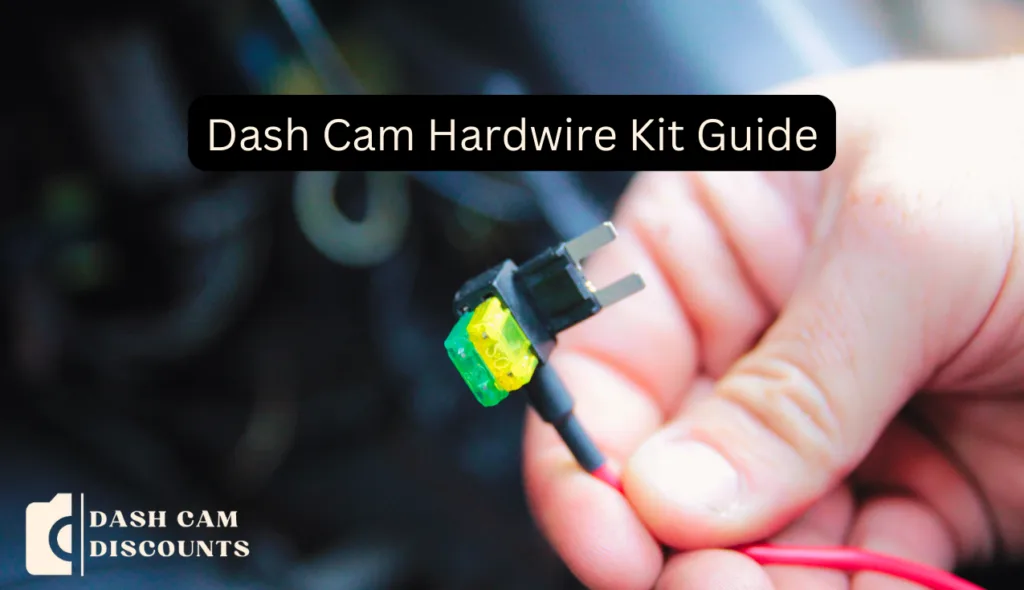
Hardwiring means tapping into your fuse box with an add-a-fuse kit and routing a cable to the camera. It's the most reliable long-term option and the only one that supports buffered parking mode on most cameras. Internal battery is fine for a quick errand but won't get you through a work shift.
External battery packs are the cleanest no-modification choice if you don't want to touch the fuse box.
If you're hardwiring, look for a kit with a built-in voltage regulator. Cheaper kits without one can let voltage sag damage the camera over time.
How to Set Up Parking Mode Without Killing Your Car Battery
The setup boils down to four steps, and skipping any one of them creates problems later.
- Pick a constant-power fuse (always live, even with the key out) using a fuse tester or multimeter.
- Install an add-a-fuse tap, matching the fuse amperage to the circuit rating, typically 5A to 15A.
- Set the dash cam's voltage cutoff to match your battery type (see next section).
- Test it. Park for 8 hours and confirm the camera is still recording and the car still starts.
If the car won't crank after a long parked period, the cutoff is set too low for your battery's age. Older batteries need a higher cutoff because they hold less reserve. As a rule of thumb, set it slightly above the lowest voltage your battery needs to start the engine, with margin.
Voltage Cutoff Settings Explained (and the Safe Numbers for Most Cars)
Voltage cutoff is the single most important setting in any hardwired parking mode setup. It tells the dash cam to shut off when your car battery drops below a safe threshold. Set it too low and you get stranded.
Set it too high and the camera quits before it ever captures anything useful.
Typical cutoff values for a 12V automotive system:
| Battery Type | Recommended Cutoff |
|---|---|
| Standard lead-acid | 11.8V |
| AGM (absorbent glass mat) | 12.0V to 12.2V |
| Lithium auxiliary | 11.6V to 11.8V |
| Deep cycle | 11.5V |
If you're not sure what type of battery your car has, check the owner manual or the label on the battery itself. AGM batteries are common in newer vehicles with start-stop systems and need a higher cutoff to stay healthy. Lead-acid is the old-school flooded battery found in most cars before 2015.
A practical test: set the cutoff at 12.0V, leave the car parked for two days, then check voltage. If it's still above 12.4V when you return, you can lower the cutoff to give the camera more runtime. If it dropped below 12.0V, raise the cutoff back up.
Who Parking Mode Is Really For (Use Cases Worth Your Time)
Parking mode isn't for everyone. If you have a garage or a private driveway, the value drops fast. It's also overkill if you swap cars every couple of years and don't care about long-term coverage.
The drivers who genuinely benefit:
- Street parkers in busy urban areas where door dings and hit-and-runs are routine.
- Rideshare drivers between trips, since the car sits unattended in random lots.
- Commuters parked at train stations or park-and-rides for 8+ hours.
- Owners of new or lease vehicles who want proof of damage for insurance disputes.
- Fleet operators running vehicles in multiple cities who need a record of what happened when no one's watching.
If you're mostly in a controlled environment and the car rarely sits outside overnight, parking mode is nice to have but not essential. A standard driving-only dash cam will still cover accidents on the road, which statistically are more common.
Common Mistakes That Make Parking Mode Useless (or Worse, a Headache)
Most parking mode failures come from setup errors, not bad hardware. In our research across user reviews and install forums, the same handful of mistakes keep showing up.
- No voltage cutoff set. The camera runs until the car battery is dead. Then it's not just a missed event, it's a tow truck.
- Motion sensitivity cranked to max. The camera fills up the SD card with clips of trees blowing and triggers from passing headlights.
- Standard SD card instead of high-endurance. Cards fail silently after a few months of constant writing, taking the footage with them.
- Wrong fuse tap location. Tapping a switched fuse (one that only powers accessories with the key on) means parking mode never runs. Tapping a high-amperage circuit can blow a fuse and disable something important, like the horn or wipers.
- No test cycle. People install the kit, drive once, and assume it's working. They don't find out the camera died overnight until they need the footage.
The fix for every one of these is testing. Park for a full 8-hour cycle, then check the camera and the battery voltage. Do it once and you'll catch 90% of problems before they matter.
Dash Cam Parking Mode vs. Tesla Sentry Mode and Other Built-In Options
Tesla Sentry Mode, Ford's built-in security features, and similar OEM systems all do roughly what an aftermarket parking mode does. They watch the surroundings while parked and save footage when something happens. The differences come down to integration, coverage, and cost.
| Feature | Aftermarket Dash Cam | Tesla Sentry Mode | Other OEM Systems |
|---|---|---|---|
| Camera coverage | 1 to 3 channels, depends on install | 8+ cameras built in | Varies, often 1 to 2 |
| Storage | User-supplied SD card | USB drive in the car | Cloud or built-in storage |
| Live view | Some brands via LTE add-on | Yes, via Tesla app | Limited |
| Works in any car | Yes | Tesla only | Brand-specific |
| Cost | $100 to $400 plus install | Included with car | Included with car |
If you own one of these vehicles with a built-in system, it's worth using. The integration with the car's own sensors and app is hard to beat. If you're in anything else, an aftermarket dash cam with parking mode is the only way to get the same coverage.
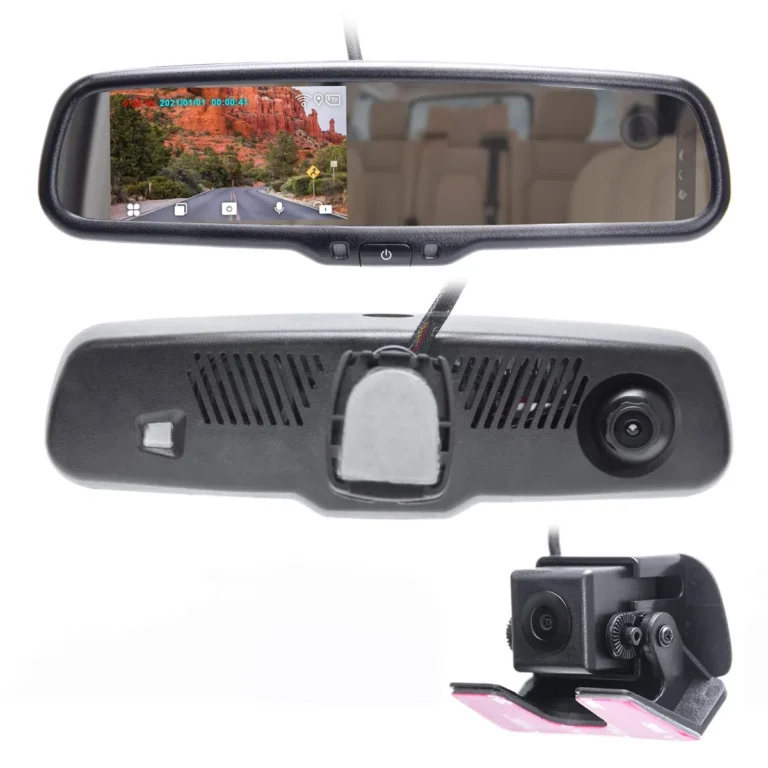
The aftermarket route also wins on flexibility. You can add a rear or interior camera, swap storage sizes, and replace individual parts when they wear out.
Best High-Endurance SD Card Picks for Parking Mode Use
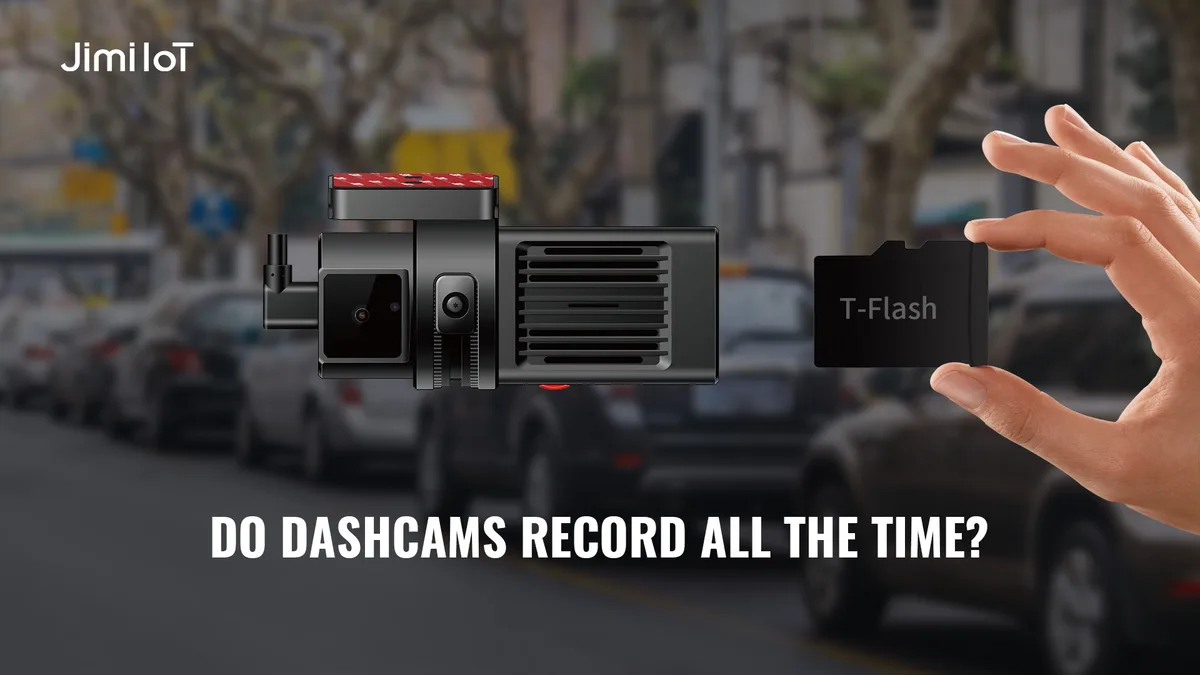
The SD card is the unsung hero of parking mode. It runs 24/7 in some setups, and a regular card will fail in months. A high-endurance card is rated for continuous writing and is the single best upgrade you can make for reliability.
Top picks based on manufacturer endurance specs and aggregate user feedback:
| Card | Endurance Rating | Best For |
|---|---|---|
| SanDisk High Endurance | Up to 20,000 hours | Most parking mode setups |
| Samsung PRO Endurance | Up to 43,800 hours | Long-term, high-write setups |
| Kingston High Endurance | Up to 20,000 hours | Budget-conscious builds |
| WD Purple SC QD101 | Surveillance-rated | Multi-camera fleets |
Size matters too. A 128GB card gives most users about 20 to 30 hours of buffered recording before looping. A 256GB card doubles that.
Going larger than 256GB rarely makes sense because the dash cam's file system often caps compatibility. Check your camera's spec sheet for the maximum supported card size before buying.
Format the card in the dash cam, not on a computer. Every camera formats slightly differently, and using the in-camera format sets up the file structure the way the firmware expects. Reformat once a month if you're in heavy-use parking mode, since constant writing slowly fragments even high-endurance cards.
High-endurance cards also handle heat better. Dash cams mounted on windshields sit in direct sun, and interior cabin temps in summer can hit 70°C (158°F). Standard SD cards rated for 0 to 60°C throttle or fail at those temps.
High-endurance cards are typically rated up to 85°C, which is why every dash cam manufacturer now lists them as the recommended card.
One last tip on cards: buy from a trusted source. Counterfeit high-endurance cards are common on marketplaces, and even genuine-looking fakes fail fast. Stick with authorized retailers or buy directly from the manufacturer.
A $15 savings isn't worth losing every parking mode event when the card quietly dies at month three.
Frequently Asked Questions
Does parking mode drain my car battery?
Yes, if it's not set up properly. A hardwired dash cam in parking mode draws a steady 0.25 to 0.5 amps. Most cars can handle that for a day or two without issue, but if you don't drive often, the battery will eventually dip below the voltage needed to start the engine.
That's why almost every parking-mode dash cam uses a voltage cutoff setting, usually around 11.8V for a 12V lead-acid battery, to shut the camera off before your car won't crank.
Do all dash cams have parking mode?
No. Many entry-level cameras only record while the engine is running. Parking mode is typically a feature on mid-range and premium models.
If you're shopping, look for the word "parking mode" or "parking surveillance" in the specs, and check whether it requires hardwiring or supports an external battery pack.
How long can a dash cam record in parking mode?
It depends entirely on power source. On a small internal battery, most cameras last 20 minutes to a few hours. Hardwired to the car with a voltage cutoff, it'll run as long as the battery allows, often 12 to 48 hours of parked time before the cutoff kicks in.
With an external battery pack like a Cellink NEO or BlackVue B-130, you can extend that to several days of coverage without touching the car battery at all.
What's the difference between parking mode and Tesla Sentry Mode?
Tesla Sentry Mode is a brand-specific version of parking mode built into the car itself. It uses the car's external cameras, displays a warning on the touchscreen, and can stream live footage to your phone. A dash cam with parking mode is an aftermarket add-on, usually with one or two lenses, and requires its own power and storage setup.
Functionally they cover the same job: catching what happens when your car is parked. Dash cams tend to be more flexible and work in any vehicle.
Can parking mode footage be used for insurance claims?
In most cases, yes. Aggregate user reports and major insurer guidance consistently accept dash cam video as supporting evidence for hit-and-run, vandalism, and theft claims. The footage needs to be clear enough to show a license plate, the event itself, and ideally a timestamp.
Some insurers even offer small discounts for vehicles with a dash cam installed, though policies vary by state and provider.
Do I need a special SD card for parking mode?
Yes, you really do. Parking mode writes to the SD card constantly, which wears out standard cards fast. Use a high-endurance card rated for continuous recording, such as SanDisk High Endurance or Samsung PRO Endurance.
These are designed for the kind of constant write cycles parking mode generates, and they typically last 10,000 to 20,000 hours before failing. A regular card might last a few months in parking mode before corrupting.
Is it hard to install parking mode myself?
If you're comfortable working near a fuse box, it's a 30 to 60 minute job. You'll need a hardwire kit with an add-a-fuse tap, a multimeter or fuse tester to identify a constant (always-on) fuse, and your dash cam's voltage cutoff settings dialed in. Manufacturer install guides from BlackVue, Thinkware, and VIOFO walk through this step by step.
If hardwiring a car isn't something you want to touch, a 12V cigarette adapter with ignition detection works for basic setups, and an external battery pack is the cleanest no-modification option.
Final Recommendation: How to Choose the Right Parking Mode Setup for You
The "best" parking mode setup is really a function of where you park, how long you leave the car, and how comfortable you are with a fuse tap. Here's the quick way to decide:
- Park in a driveway or short-stay lot, short overnight trips: motion detection with a low internal battery, or a basic hardwire kit.
- Street park daily in a busy area: hardwired, buffered parking mode with motion and impact triggers.
- Airport, commuter, or long-term unattended parking: hardwired plus an external battery pack, time-lapse mode to cover the full window.
- Can't or won't touch the fuse box: a dash cam with a built-in supercapacitor and an external USB battery pack.
The biggest mistake we see in user reviews is skipping the voltage cutoff. A hardwired dash cam without one will eventually leave you with a dead battery. The second biggest mistake is using a non-endurance SD card, which silently corrupts right when you need the footage most.
Get those two right, pick a mode that matches your parking situation, and parking mode becomes one of the most useful features on any dash cam.
For more on safe fuse box work and proper circuit selection, the NHTSA vehicle electrical safety guide covers general best practices for aftermarket automotive electronics, and dash cam manufacturers like BlackVue publish model-specific wiring diagrams that make the install straightforward.